Users can customize buttons to trigger Lua scripts,
For example, using the Lua function send_gcode(), which sends G-code commands, to create a one-click zero-all function,
That is send_gcode(“G92X0Y0Z0”),
For Lua functions, please refer to this article: https://www.grbl.cc/docs/lua%e5%87%bd%e6%95%b0
Buttons are divided into screen virtual buttons and physical buttons,
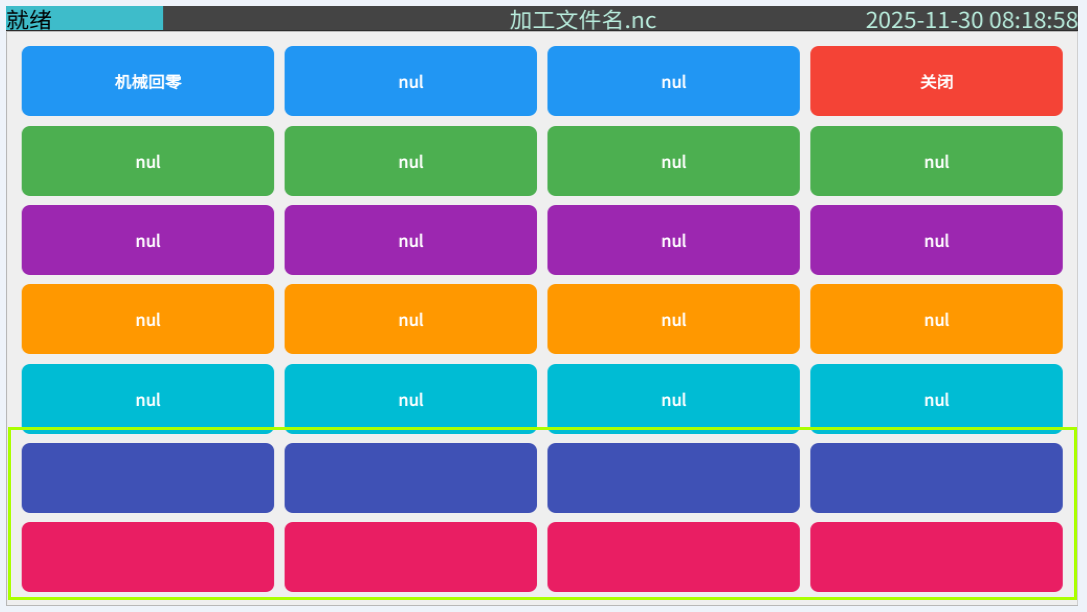
Screen custom buttons are located in the last 8 buttons under “More” on the home page
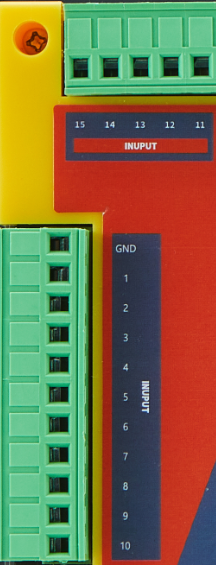
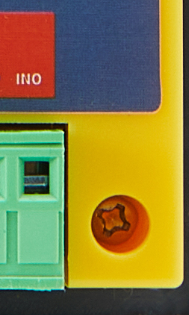
Physical custom buttons are labeled as INPUT 1-15 and IN0
Configuration is in the settings:
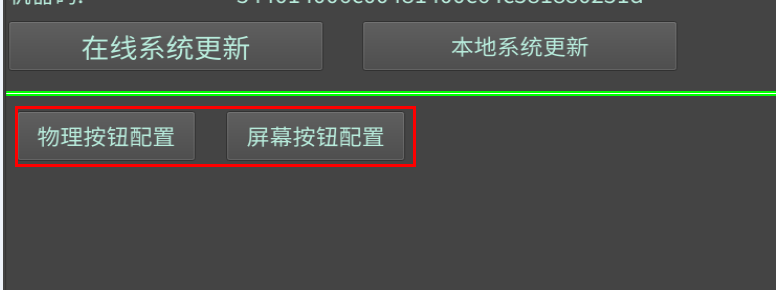
Here is an example using a screen virtual button to create a zero-all function:
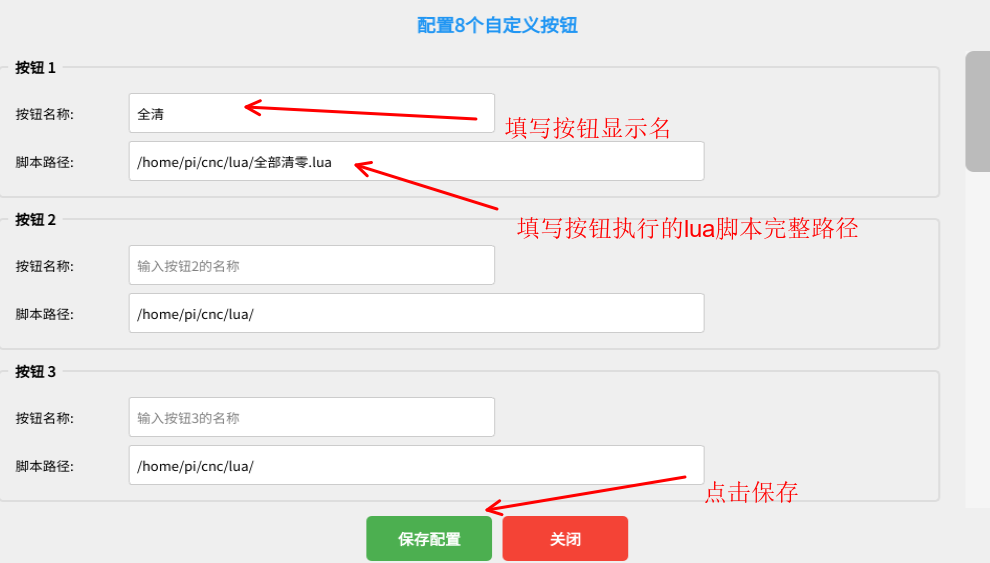
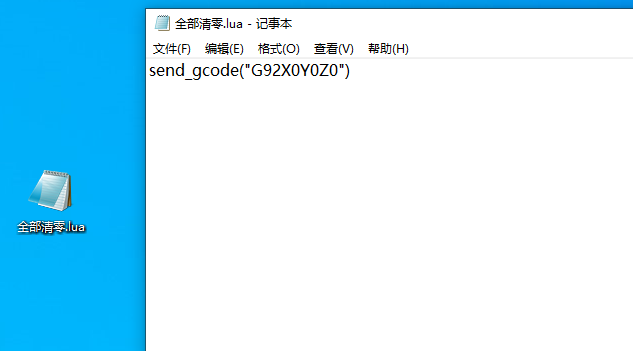
Then create and edit this script file on your computer or controller,
Enter send_gcode(“G92X0Y0Z0”) as the content,
Here we create the file on the computer and then transfer it over,
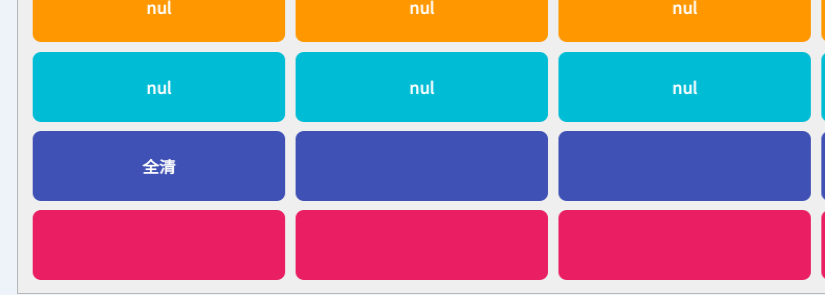
This completes the one-click zero-all custom button function,
Click “More” and you will see our custom <Zero All> button, clicking it will execute the corresponding script
Of course, you can also connect external physical buttons to trigger this, just configure it in the physical button settings,


