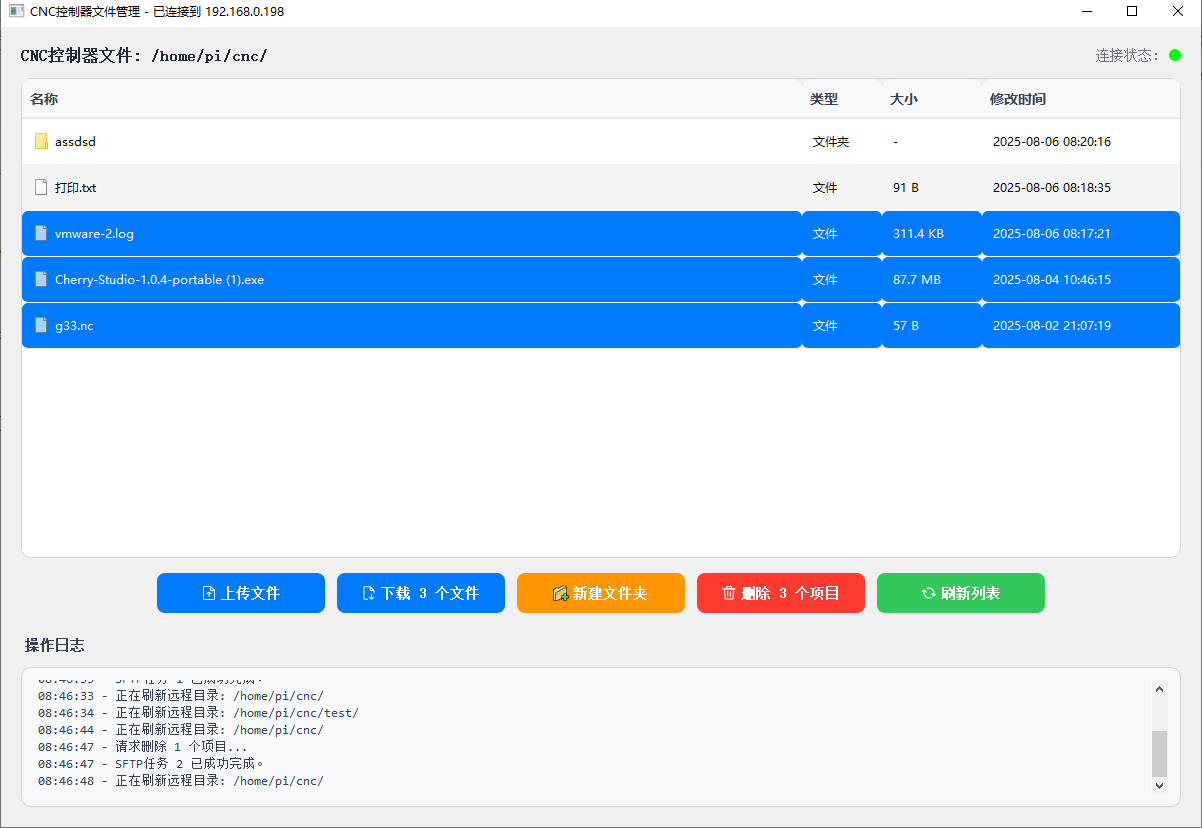
This controller is equipped with an internal 2.4GHz WiFi device,
which can be used for system upgrades or file transfer with your computer,
After connecting to WiFi,
download the E-Link transfer software for your computer,
extract the software, click <E-Link.exe> to run, only supports Windows 10 and 11 systems,
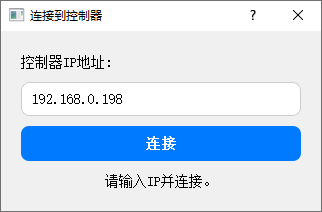
enter the IP address obtained by the controller,
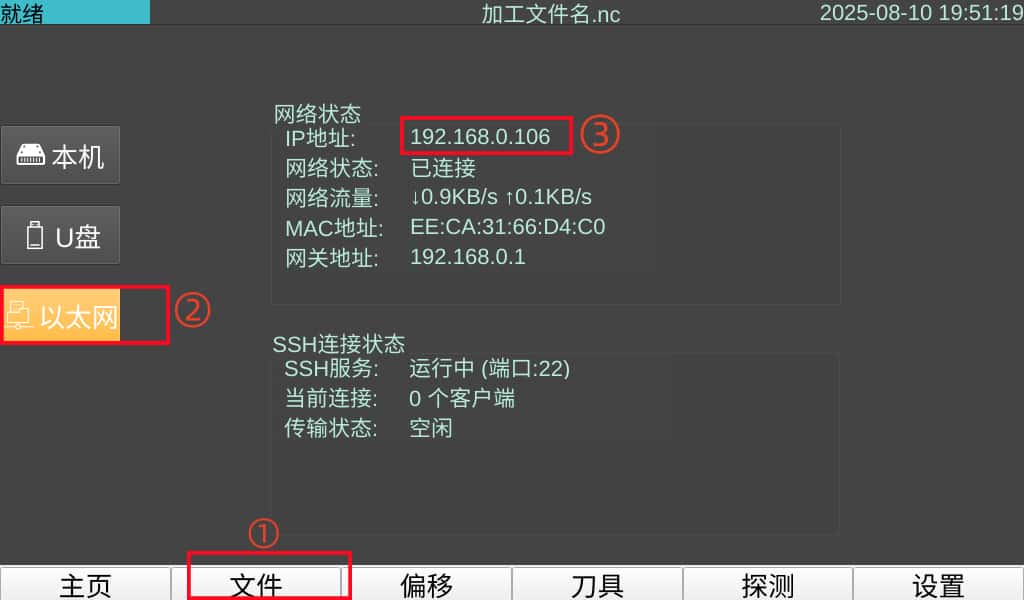
If you don’t know it, you can click <File> 👉 <Ethernet> to view,
🖐Note: File transfer is based on LAN communication, please make sure your computer and the controller are connected to the same router,
After successful connection, you can click Upload File to select a file to transfer to the controller,
or drag a file into the software interface to upload,
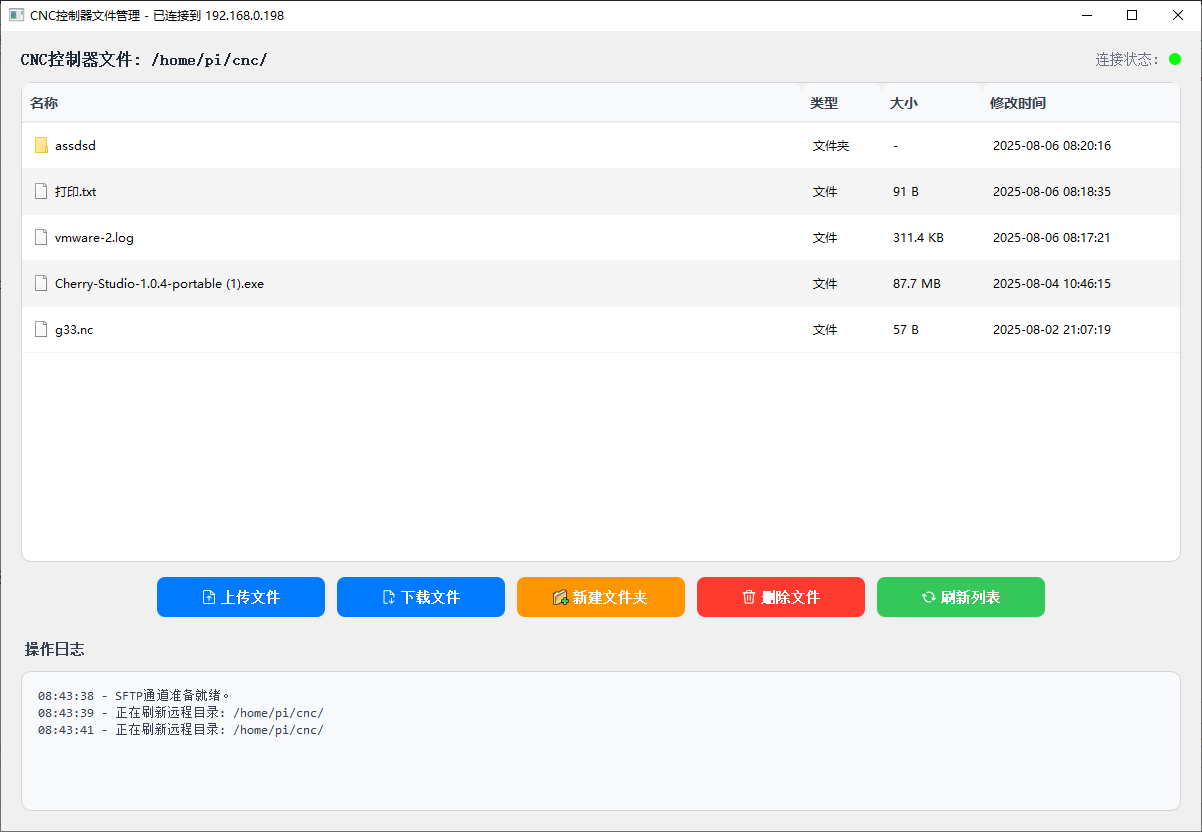
🖐Note: If it’s the first connection and the list is empty, you need to manually click <Refresh List>,
🖐Note: The save path of uploaded files depends on which file directory you are currently in,
🖐Note: For the computer client, files are not filtered, meaning all files are displayed,
while the controller will filter and display files based on file extensions, showing only files with common machining file extensions,
You can hold Ctrl to select multiple files in the list for batch deletion or downloading files,