For units shipped before January 28, 2026, we added a TVS ESD protection component to the USB port, which may cause unstable USB drive reading or recognition failure.
Please remove the controller’s back cover, then twist the 4-pin cable near the USB socket into a rope-like shape and plug it back in to resolve this issue.
Note: This socket has a locking mechanism. Please do not force it when plugging or unplugging.
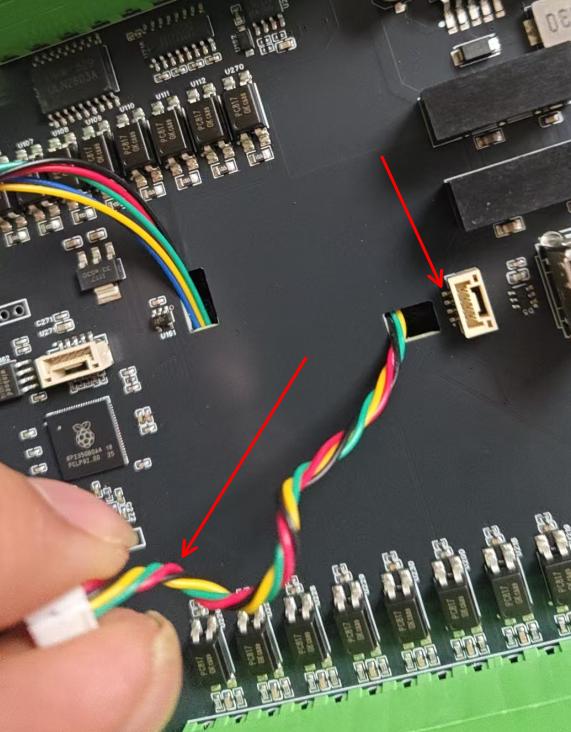
In addition to using WiFi to transfer files to the controller’s internal storage,
you can also use a USB drive.
The USB flash drive supports USB 2.0, but USB 3.0 or higher is also acceptable.
Since the controller itself has a 2.0 interface, it is recommended to use a USB 2.0 flash drive; otherwise, it may not be recognized or may be recognized slowly.
You can also use a TF card with a USB card reader.
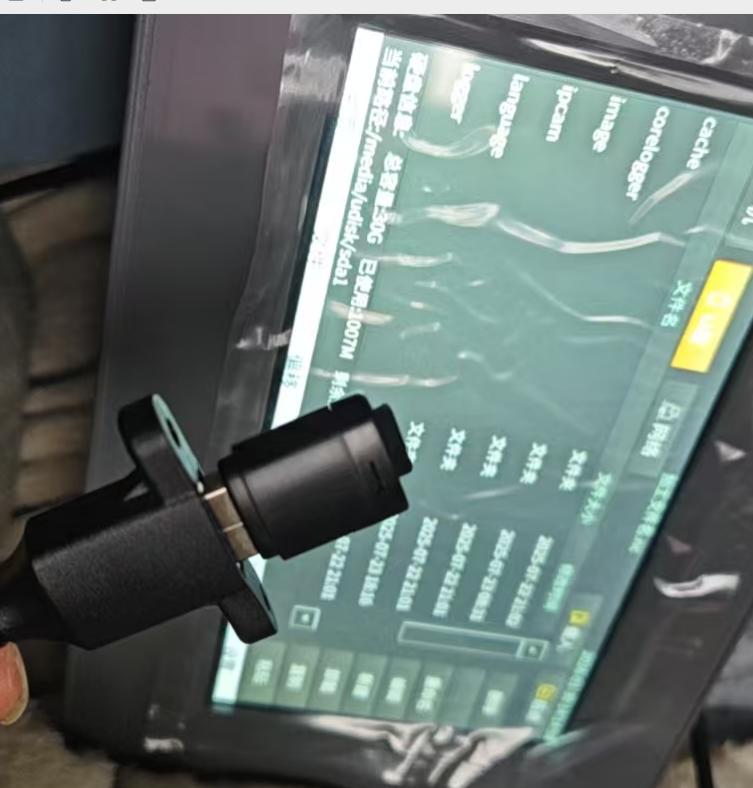
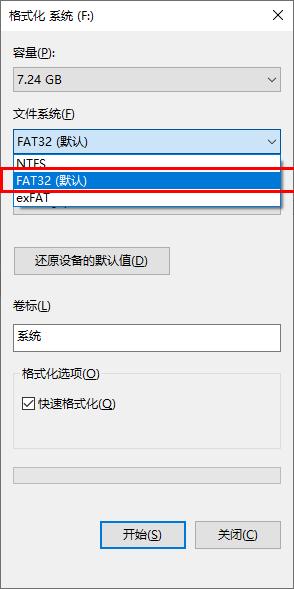
Please note that the USB drive must be formatted as FAT32.
If it is not, you can plug it into your computer and format it as FAT32.
For temporary machining files, you can directly click “Load” to use them.
You can also click “Copy” on the right side, then switch to the controller’s local storage and click “Paste” to copy files to the controller’s internal memory.


